 EasySoftGroup

Library: your wikis from git
Your teams keep their wikis as Markdown in git. Library turns them into one fast, searchable site, and each person sees only the projects they belong to.
- pages copied into our database
- 0
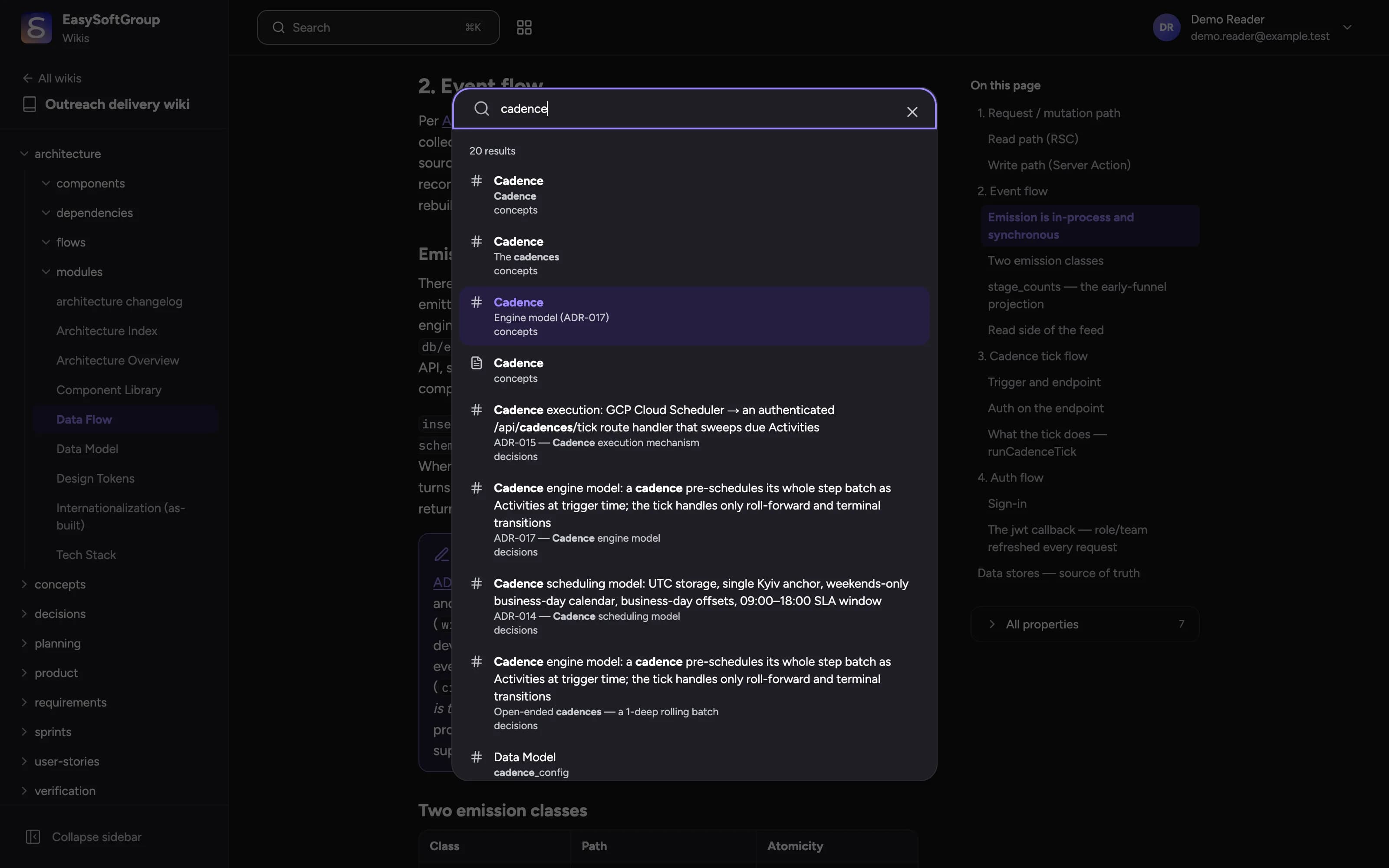
- search across every wiki you can read
- ⌘K
- any page, one click
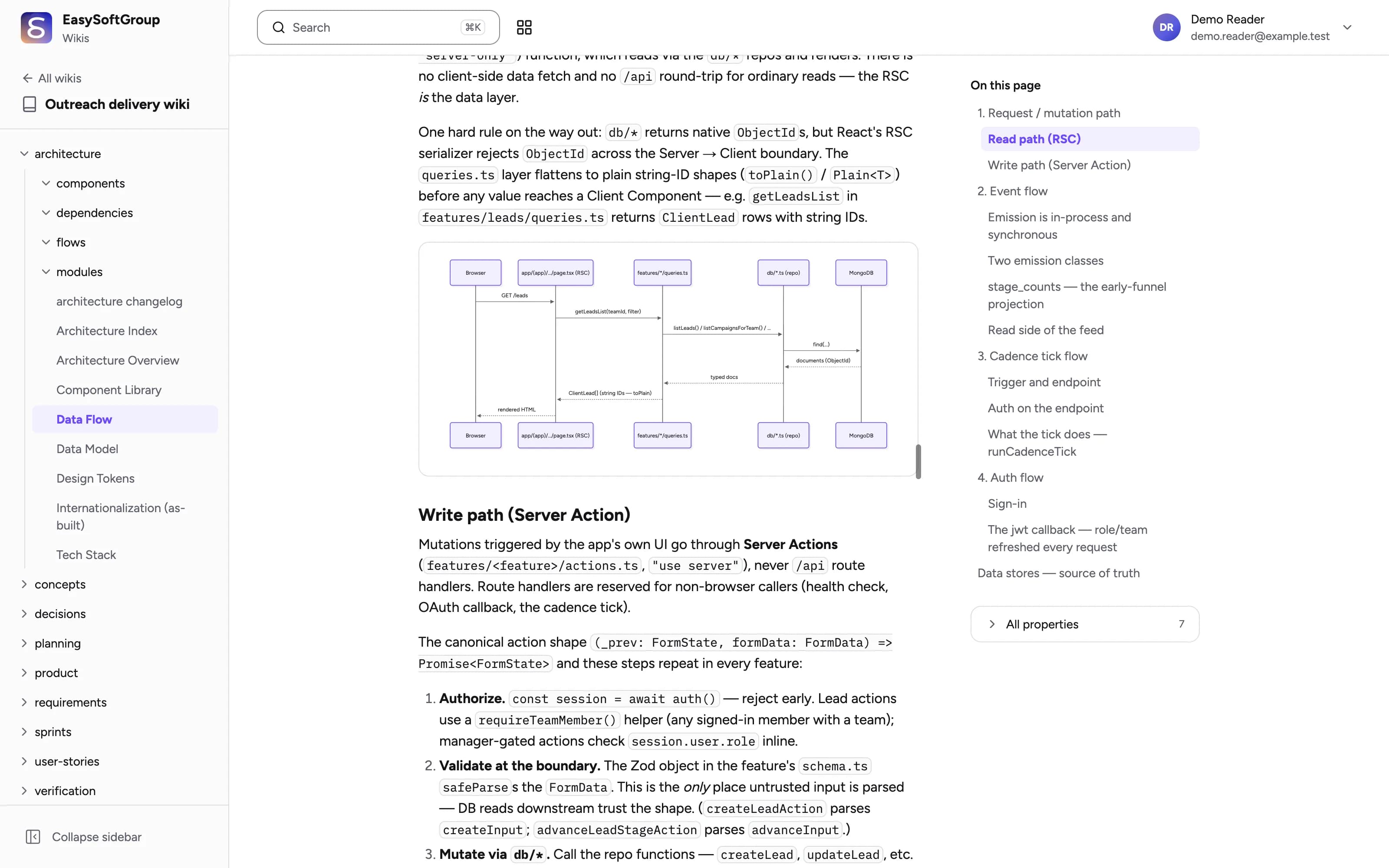
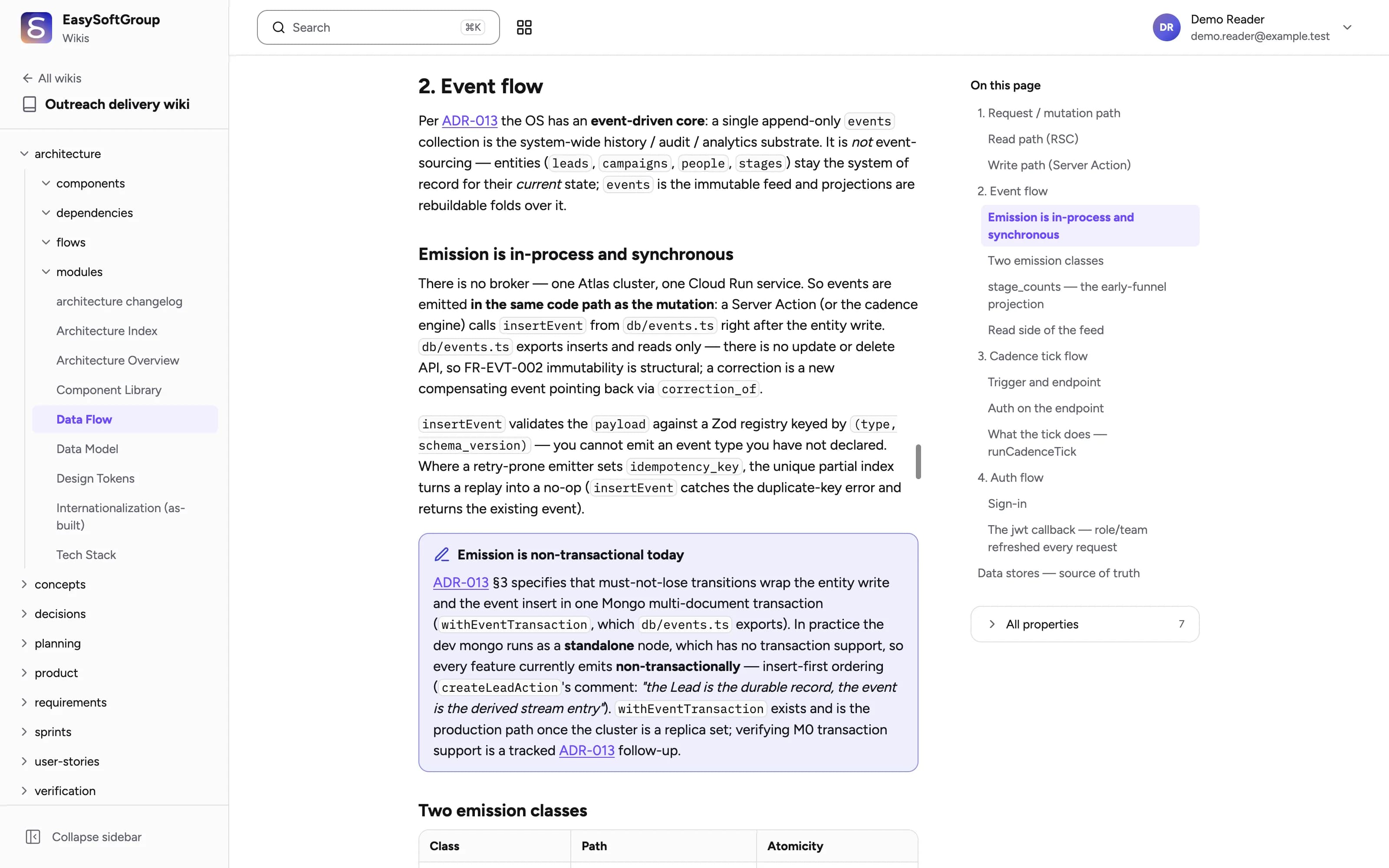
Everything renders as written
Write in your editor or in Obsidian. Library shows the page the way you meant it, in light and dark.
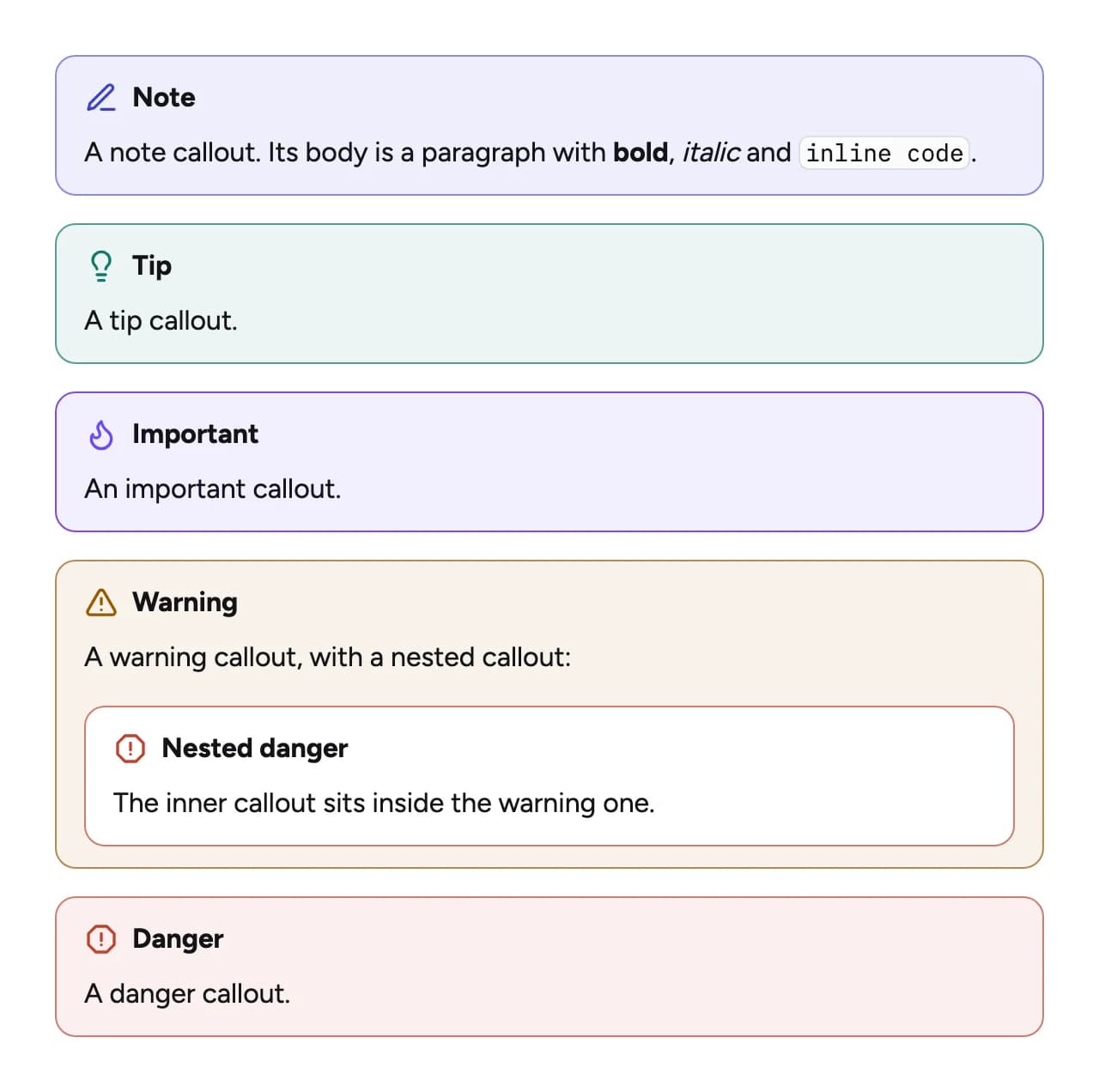
Callouts and warnings
Notes, tips, warnings and danger blocks each get their own colour and icon, even nested inside one another.
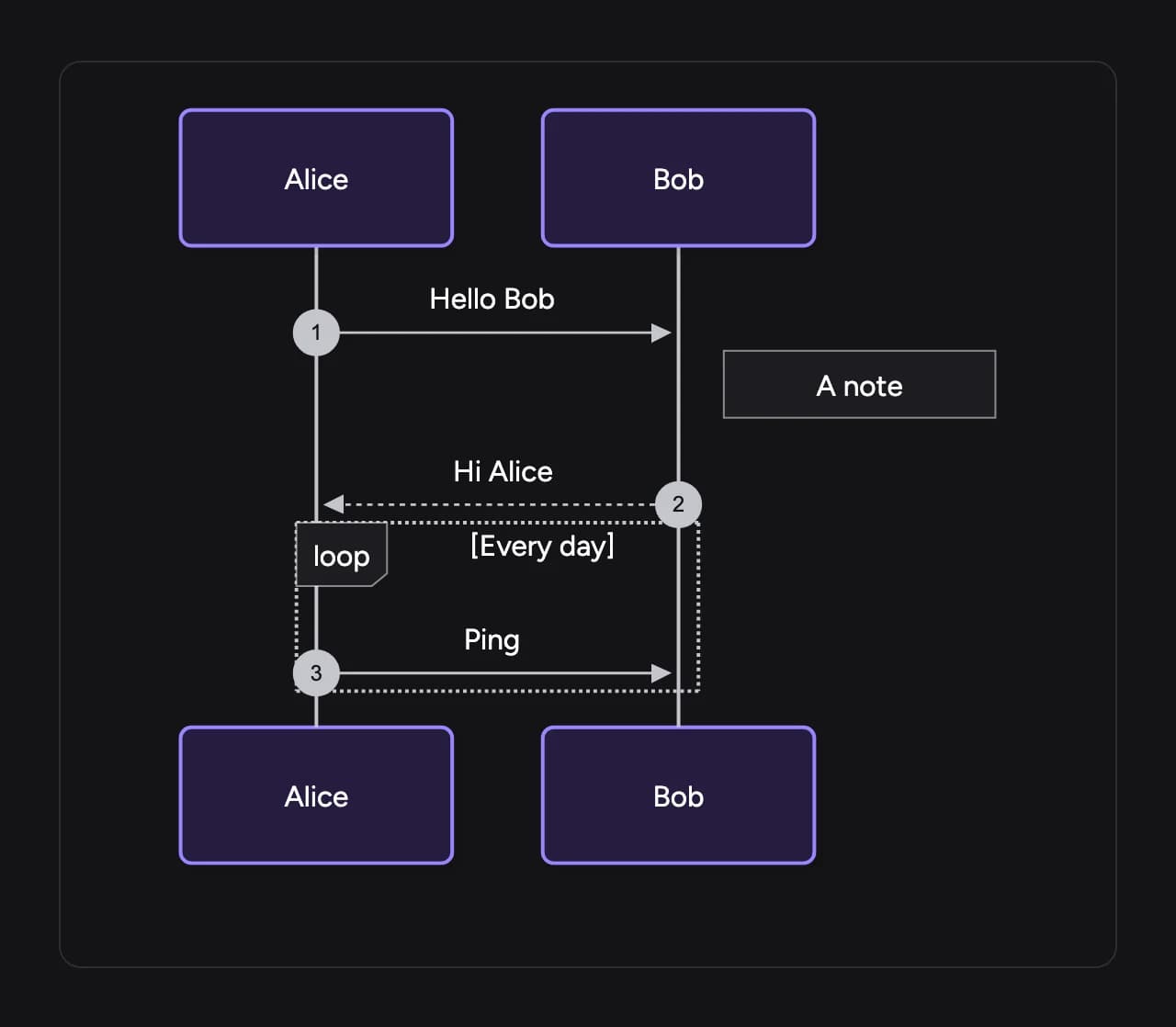
Diagrams
Mermaid flowcharts, sequence, class, state and ER diagrams draw right in the page, in the reader's theme.
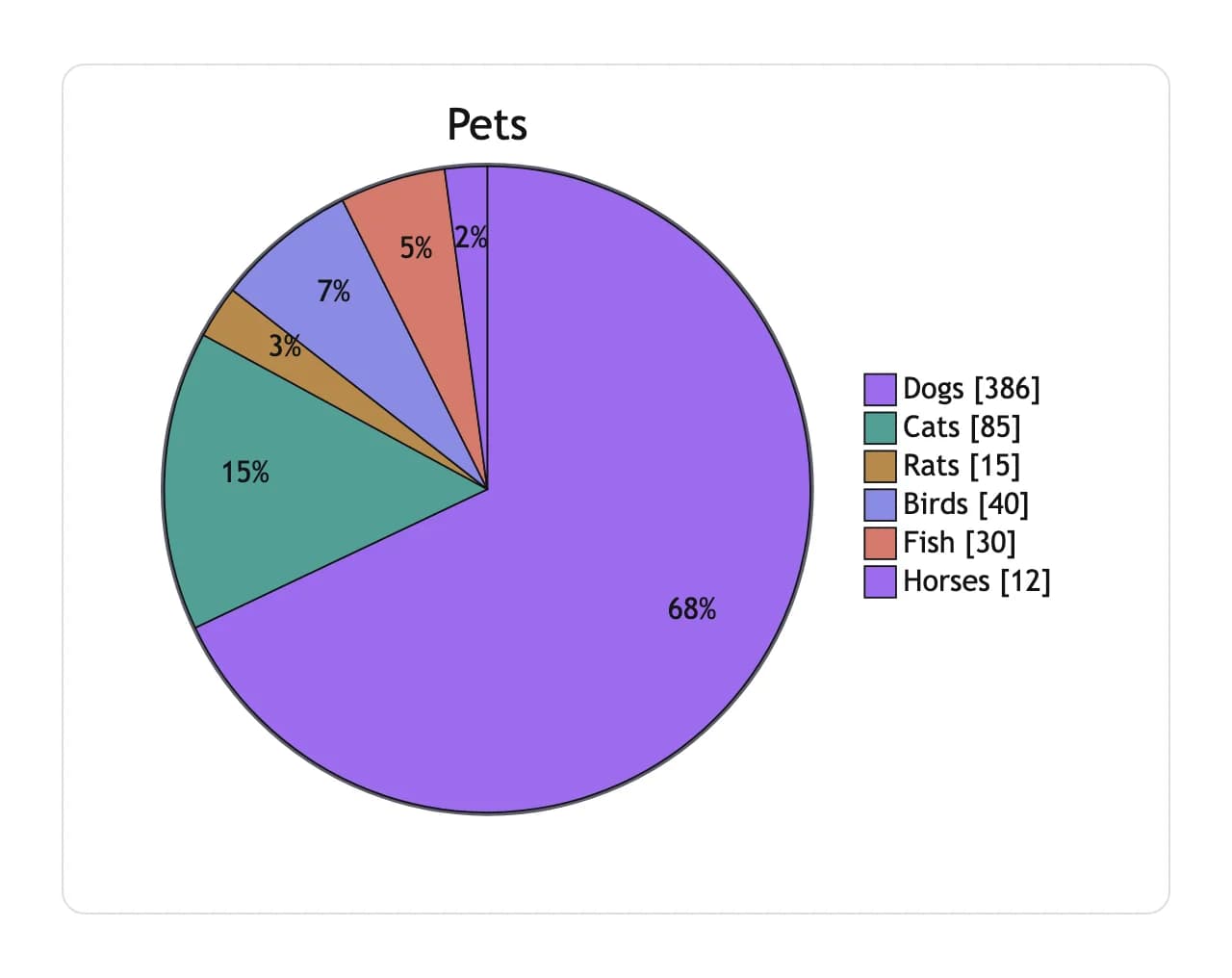
Charts
Pie charts and Gantt timelines come from a few lines of text in the page.
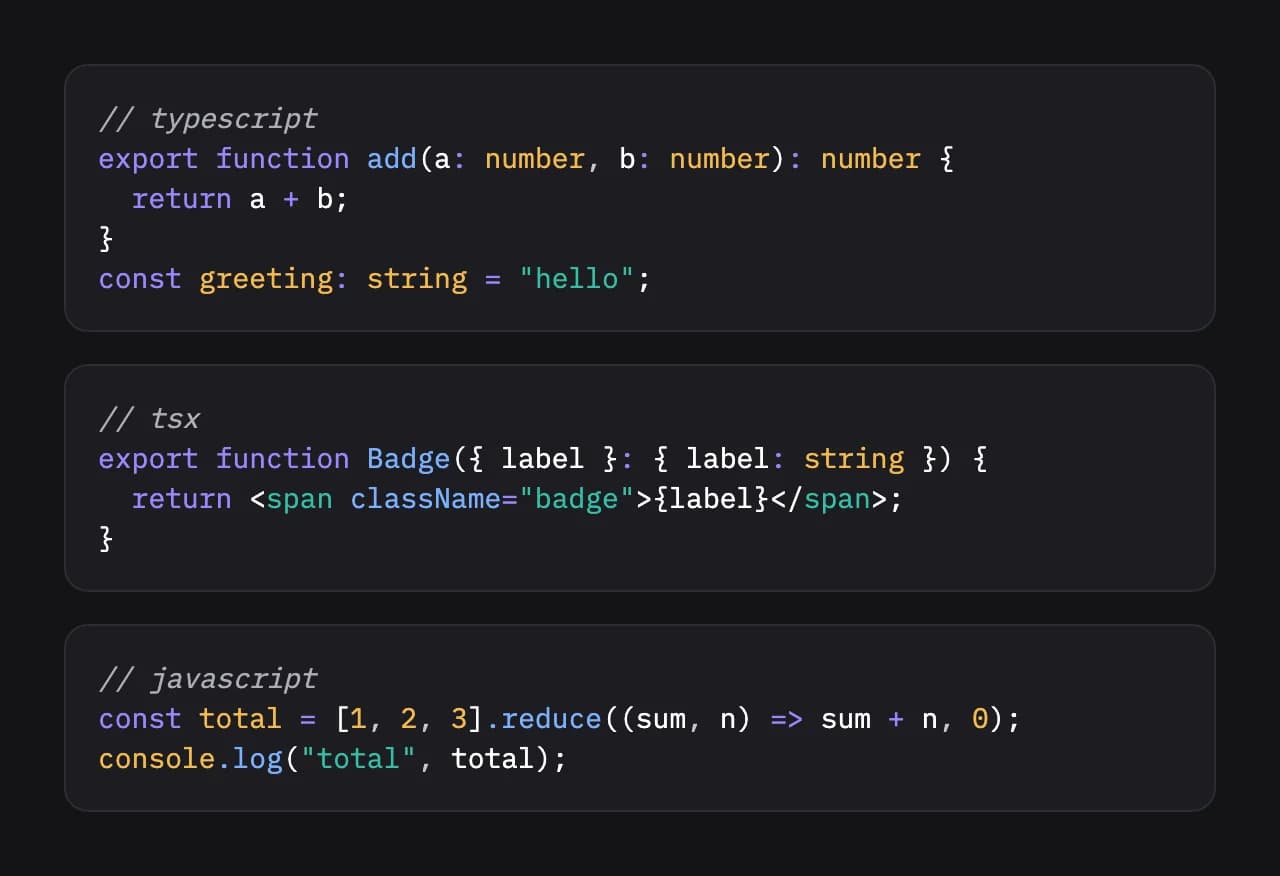
Highlighted code
Code blocks keep the colours of their language, in both themes.
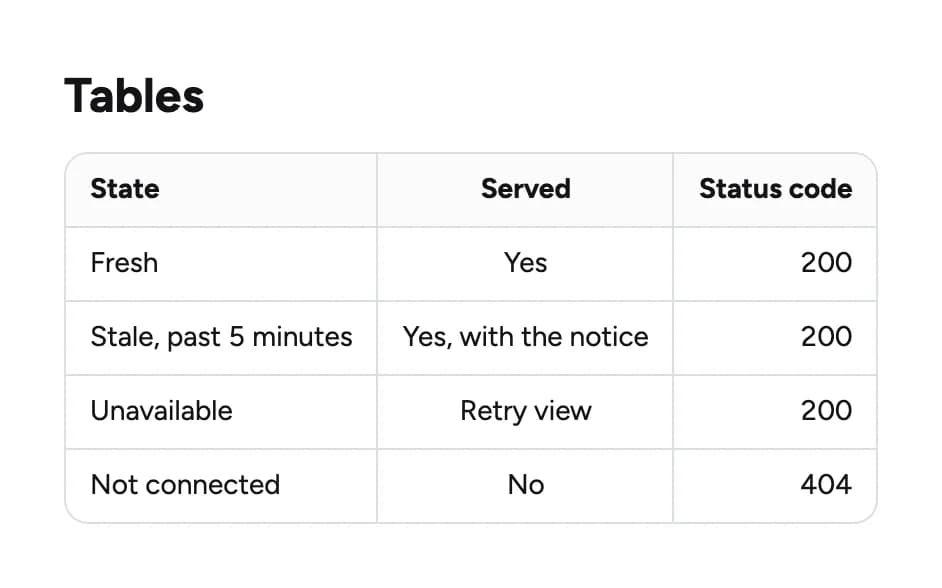
Tables
Column alignment is kept, and wide tables scroll on their own, so the page never breaks.
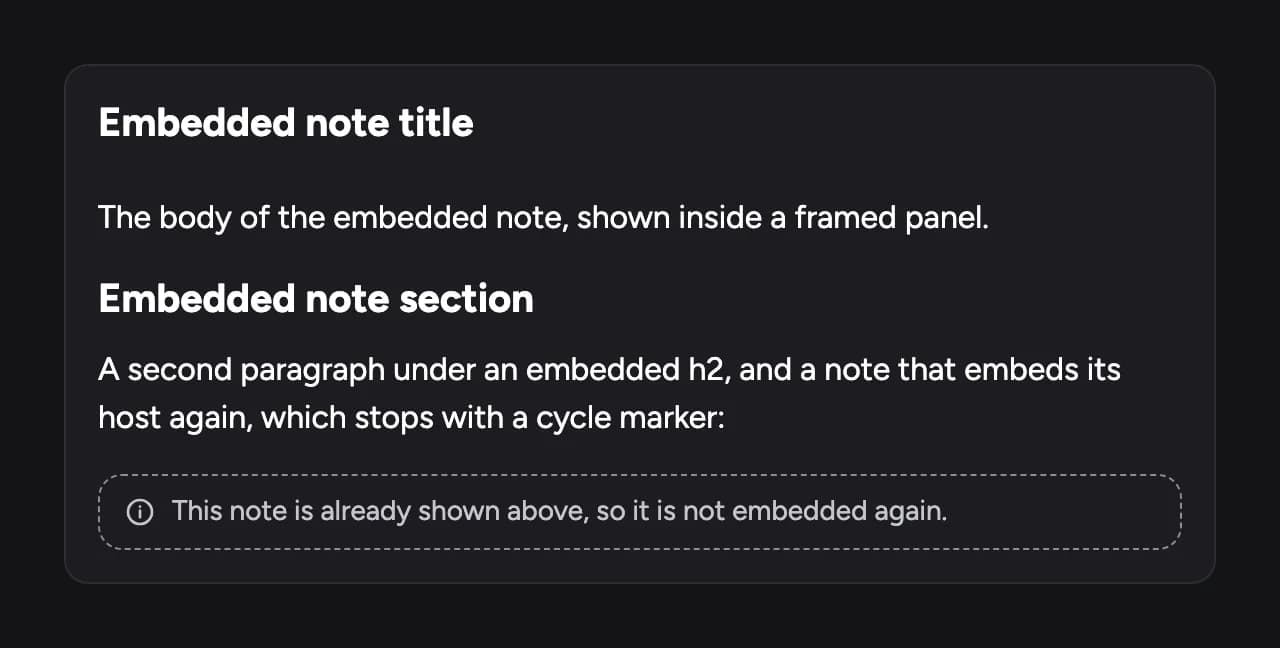
Embedded notes
Pull one note into another and it shows in place, framed, without looping.
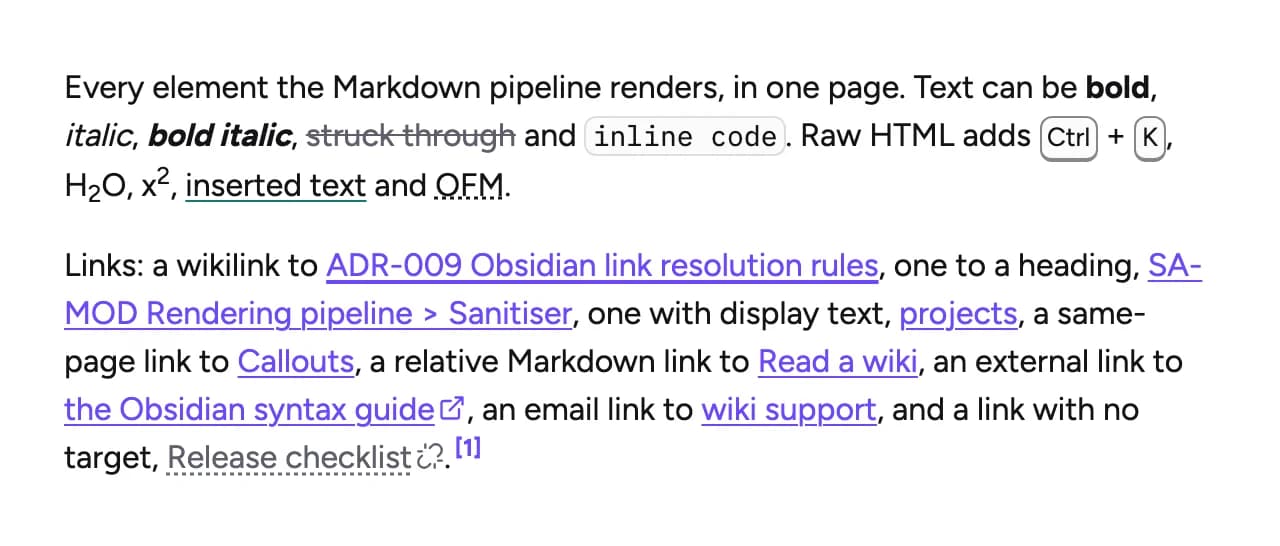
Wiki links
Links to pages and headings work as written, external links are marked, and a link with no page shows as unresolved.
Straight from your repositories
Connect your wiki repositories through our GitHub app. Library shows the latest pages and stores none of their content.
- Markdown and Obsidian syntax, no export step
- Push to git and the page updates
- Save any page as PDF
Find it in one keystroke
Full-text search across every page you have access to, one Ctrl or ⌘K away.
- Results across every wiki in your projects
- Matches highlighted in the results
- An On this page outline for long pages
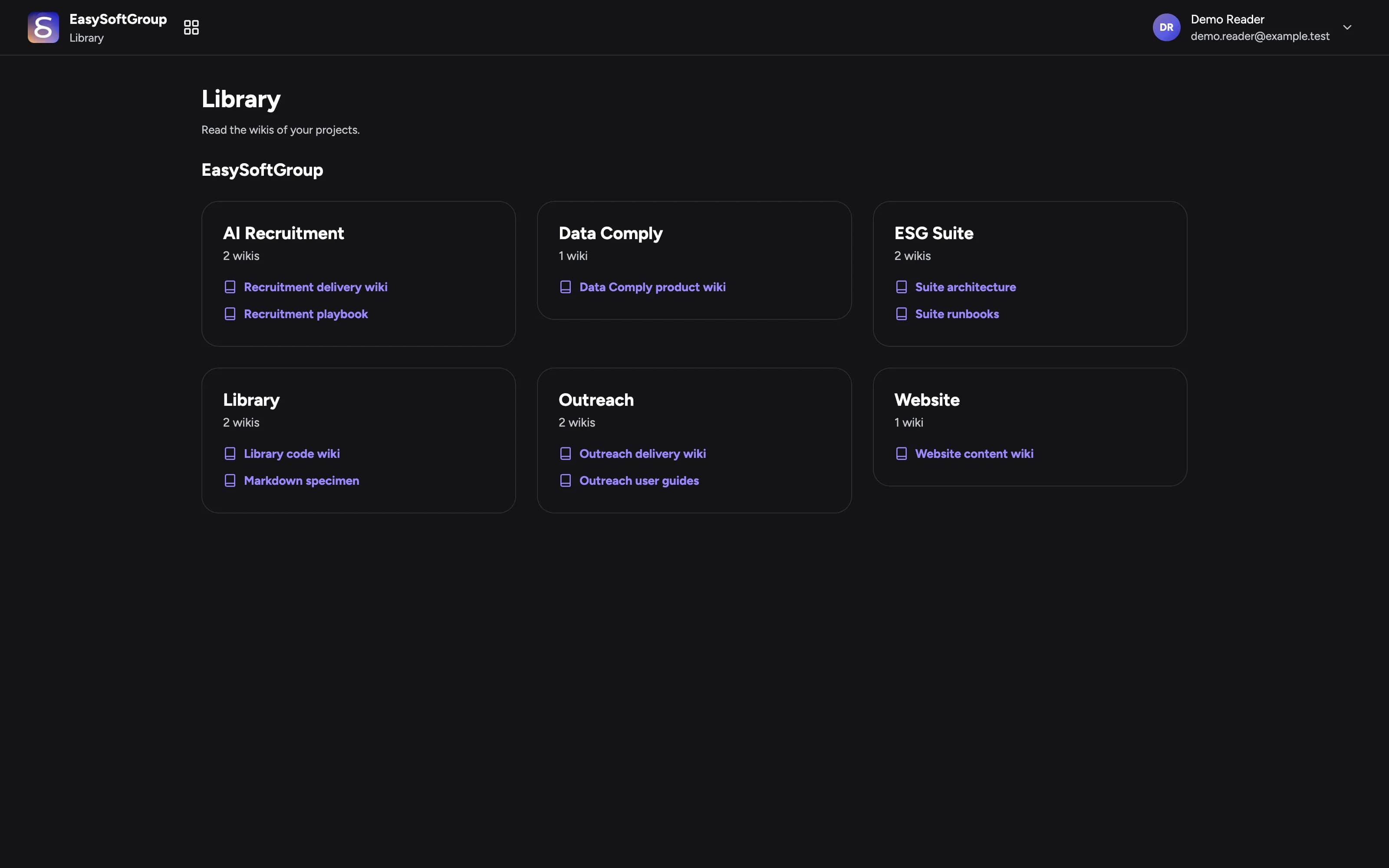
Each person sees their projects
A wiki reaches people only through a project, and your admins choose who reads what.
- Group wikis into projects
- People sign in with Google
- Give a client team its own project, and only that
Your wikis online in three steps
Connect
Install our GitHub app on the repositories that hold your wikis.
Organise
Group your wikis into projects and add your people to them.
Read
Your team signs in with Google and sees the projects they belong to.
For teams that write things down
Engineering teams
Architecture decisions and runbooks next to the code, readable by everyone who needs them.
Client delivery
Give a client team the documentation of their project, and only that project.
Operations
Policies and processes in one searchable place, always the latest version.
Frequently asked questions
Do you store our documents?
No. Library reads pages from your GitHub repositories when someone opens them. It keeps who has access, not your content.
Can people edit pages in Library?
Library is for reading. Your team writes in their editor or in Obsidian, pushes to git, and Library shows the change.
What do we need to start?
Wikis kept as Markdown in GitHub repositories, and Google accounts for your people.